
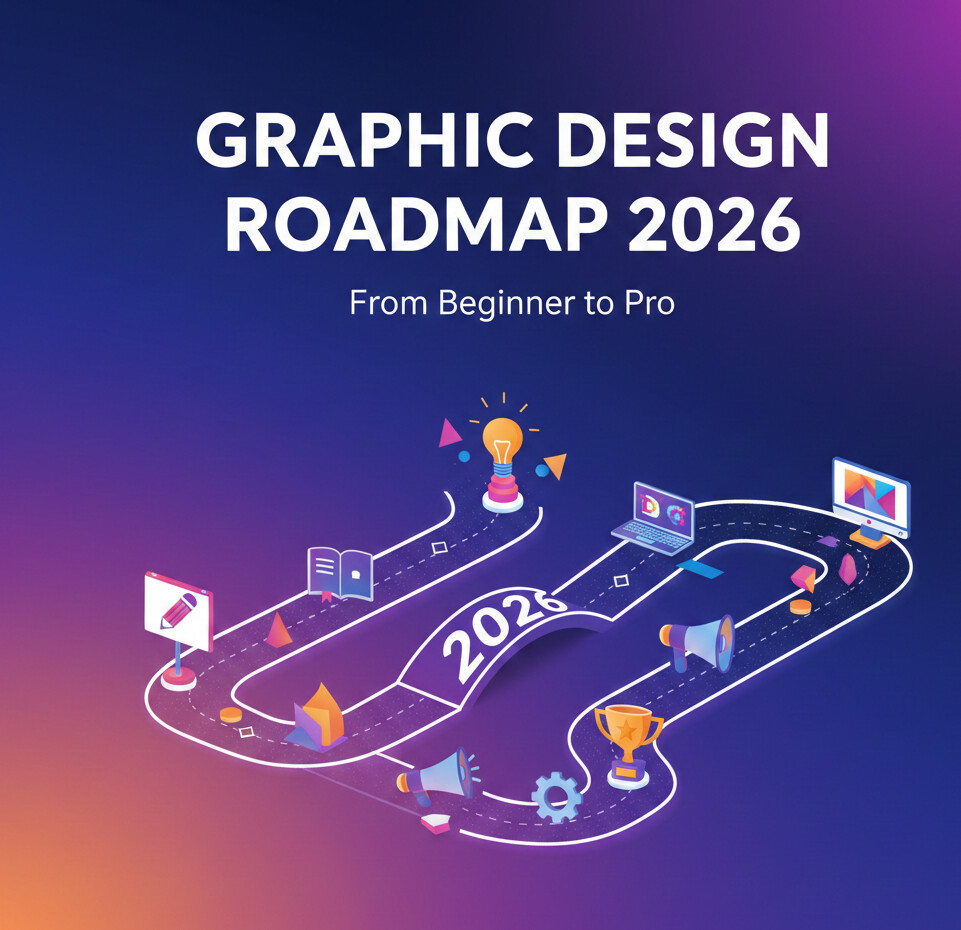
The reason why most designers are remained stuck.
A few years ago, I went through the portfolio of a junior designer who looked at first sight – quite impressive. Slick mockups. Trendy colors. Fancy typography.
But after five minutes something did not feel right.
They knew the how, but not the why. And that is really the precise reason why the majority of designers plateau.
If you are looking for a graphic design roadmap for 2026 but with the road map for you actually getting from a beginner to a pro, then this isn’t about learning everything. It’s about learning right things – in the right order.
Let’s break it down.
Graphic Design Roadmap 2026: Foundation of the Present Landscape.
Graphic design 2026 is more than just making things look good. It is relative to finding solutions visually.
Clients don’t pay for gradients and fonts. They pay for clarity to conversions to consistency.
The industry is currently being formed by the following factors:
- Design systems versus one off designs
- Workflow with AI support (as opposed to AI replacement).
- Brand storytelling from platforms
- UX-driven visual decisions
I’ve seen designers not take these shifts into account and question why their work is not getting gigs anymore.
Graphic Design Roadmap 2026 for Beginners: Start With Foundations
This is where beginners usually mess up.
They jump straight into Photoshop tricks or trendy effects without understanding the basics. That’s like learning guitar solos before chords.
Core Fundamentals You Must Master
Focus on these before touching advanced tools:
- Typography: hierarchy, spacing, and pairing
- Color theory: contrast, emotion, accessibility
- Layout & composition: grids, alignment, white space
- Visual hierarchy: guiding the viewer’s eye
Insider tip: If you can explain why a design works, you’re already ahead of 70% of beginners.
Tools That Actually Matter in 2026 (And Ones You Can Skip)
Let’s be honest. Tools change. Principles don’t.
That said, here’s what professionals are really using in the graphic design roadmap 2026:
Must-Know Tools
- Figma: non-negotiable for modern workflows
- Adobe Illustrator: logos, vectors, brand assets
- Adobe Photoshop: image manipulation, composites
- Notion or Milanote: creative organization
Tools You Don’t Need (Yet)
- Every 3D tool under the sun
- 10 AI design apps at once
- Complex motion software without basics
Common mistake I’ve seen: Designers tool-hop instead of skill-building.
Graphic Design Roadmap 2026: Skill Progression That Works
Here’s a progression I’ve watched work again and again.
Stage 1: Visual Thinker
- Recreate good designs (yes, copy them)
- Analyze why layouts work
- Build taste before originality
Stage 2: Problem Solver
- Design for fake clients with real constraints
- Focus on brand goals, not aesthetics
- Learn basic UX principles
Stage 3: System Builder
- Create design systems
- Maintain consistency across assets
- Think in components, not pages
That last stage? That’s where professionals separate themselves.
Building a Portfolio That Doesn’t Scream “Beginner”
Your portfolio isn’t a gallery. It’s a sales pitch.
I’ve rejected portfolios with beautiful visuals because they lacked context.
What a Strong 2026 Portfolio Includes
- Clear problem statements
- Process screenshots or explanations
- Final outcomes with reasoning
- Fewer projects, deeper stories
Bold truth: Three solid case studies beat ten random designs.
The Business Side Most Designers Ignore
You can be talented and still broke. I’ve seen it happen too often.
To go pro, you need more than design skills:
- Client communication
- Pricing confidence
- Feedback handling
- Basic contracts and scope control
Now, here’s where it gets interesting.
The best designers aren’t the best artists. They’re the best listeners.
Pro-Tips: Insider Advice From 10+ Years in the Field
This section alone can save you years.
Insider Pro-Tips
- Design less, think more. Sketch before opening software.
- Collect bad designs. They teach more than good ones.
- Learn to present your work. A great explanation can sell an average design.
- Say no early. Bad clients don’t turn into good ones.
- Update your skills yearly. Not monthly. Not daily.
I know what you’re thinking—”What about AI?”
Use it to speed up tasks, not replace thinking. Designers who rely on AI without fundamentals will struggle.
Graphic Design Roadmap 2026: Common Mistakes to Avoid
If I could rewind time for most beginners, I’d warn them about this:
- Chasing trends instead of clarity
- Ignoring accessibility
- Underpricing to get work
- Not documenting their process
Mistakes aren’t fatal. Repeating them is.
The Verdict: Your Path From Beginner to Pro
The graphic design roadmap 2026 isn’t about becoming flashy. It’s about becoming dependable.
Master the fundamentals. Learn the tools that matter. Build systems. Communicate clearly.
Do that consistently, and you won’t just get work—you’ll keep it.
So tell me—where are you right now on this roadmap, and what’s the one skill you know you need to work on next?
